Creating a comfortable and efficient home workspace has become essential for many people. Whether you work remotely, study, or manage personal projects, having an organized and productive area can make a big difference in how focused and motivated you feel. In this post, we’ll explore practical tips to help you design a home workspace that supports your goals and well-being.
Why an Organized Workspace Matters
An organized workspace helps reduce distractions, saves time finding what you need, and creates a calm, inviting environment. When your desk is clutter-free and everything has a designated place, it’s easier to maintain focus and get tasks done. Plus, an enjoyable workspace promotes better posture and reduces stress.
Tips for Setting Up Your Home Workspace
1. Choose the Right Spot
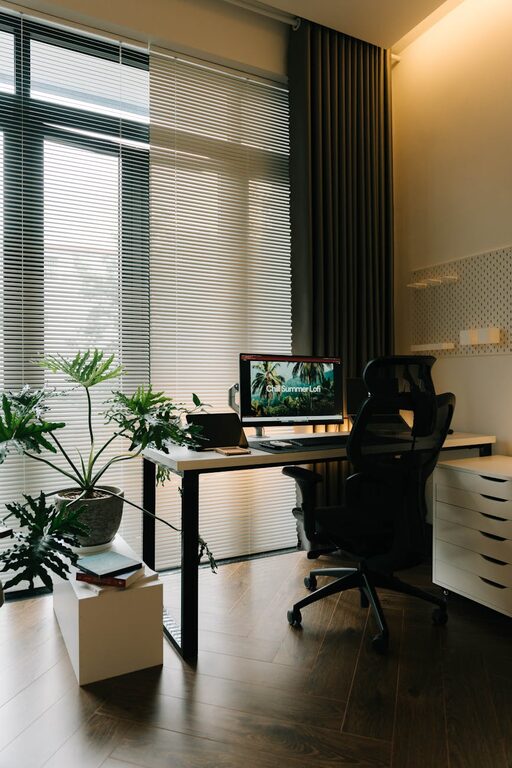
Pick a quiet corner or room with good natural light and minimal noise. If possible, separate your workspace from household distractions to help your brain switch into work mode.
2. Invest in Comfortable Furniture
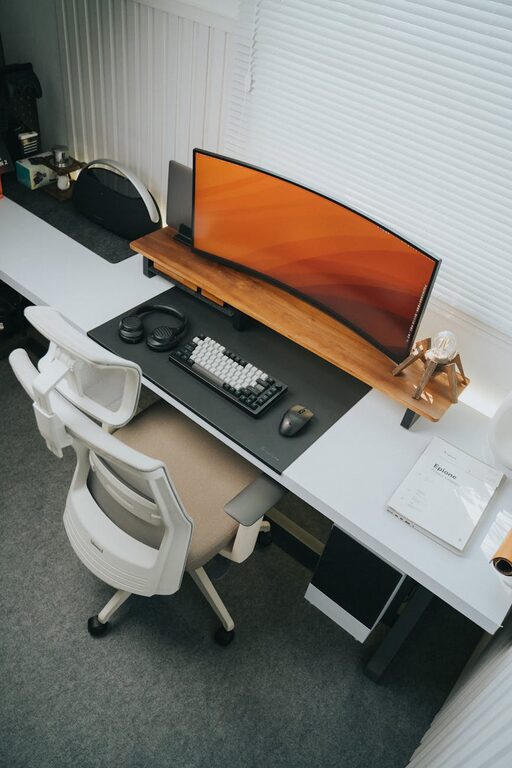
Select an ergonomic chair and desk that suit your body and work style. Proper support and correct desk height prevent discomfort and improve focus over longer periods.
3. Organize with Storage Solutions
Use shelves, drawers, and containers to keep supplies such as papers, pens, chargers, and documents neatly stored. Label boxes or folders for easy access.
4. Keep Only What You Need on Your Desk
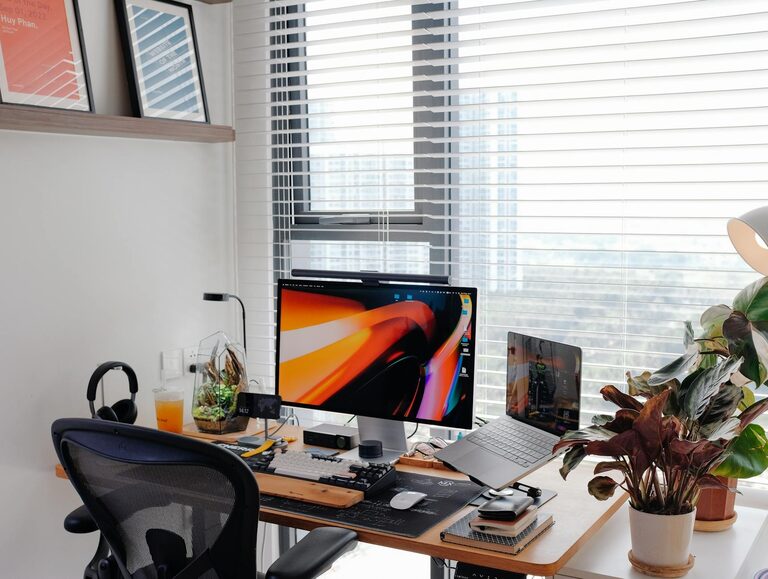
Limit the items on your desk surface to essentials like your computer, planner, and a few supplies. This minimizes clutter and helps you maintain a clear mind.
5. Use Cable Management
Tidy up cords and chargers with clips or cable ties. Organized cables not only look better but prevent tangling and tripping hazards.
6. Personalize Mindfully
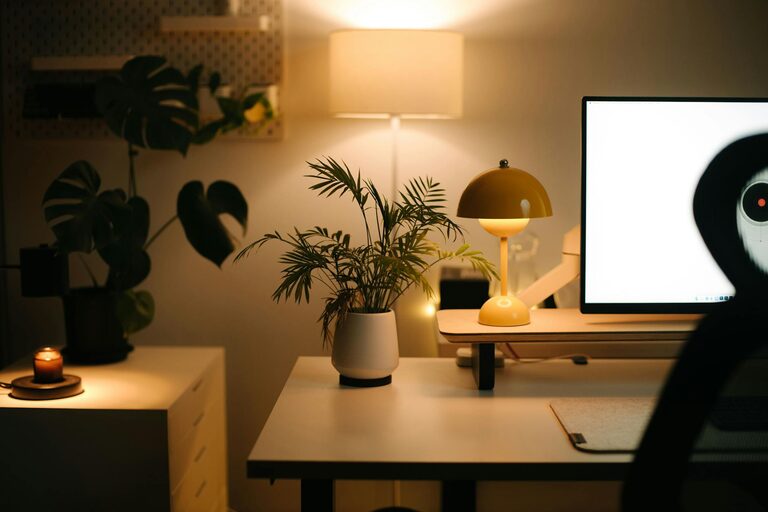
Add a few personal touches such as photos, plants, or artwork to make your space inviting. Avoid overcrowding as too many items can create visual distraction.
Maintaining Productivity in Your Home Workspace
1. Set a Daily Routine
Designate work hours and breaks to establish consistency. Having a routine signals your brain that it’s time to focus.
2. Minimize Digital Distractions
Use tools like website blockers or “Do Not Disturb” modes during focused periods to stay on task.
3. Keep Supplies Within Reach
Arrange frequently used items close by to avoid interrupting your flow when searching for materials.
4. Prioritize Tasks
Use planners, to-do lists, or digital apps to organize your work. Checking off completed tasks provides a sense of progress.
5. Take Regular Breaks
Give your eyes and body a rest by stepping away every hour. Stretching or a short walk can refresh your energy.
Simple Ideas to Balance Comfort and Efficiency
– Lighting: Use a desk lamp with adjustable brightness to reduce eye strain, especially if natural light is limited.
– Noise: Consider noise-canceling headphones or soft background music if ambient noise distracts you.
– Temperature: Make sure your workspace is well-ventilated and at a comfortable temperature.
– Greenery: Adding small plants can boost mood and clean air naturally.
Final Thoughts
Designing an organized and productive home workspace doesn’t require a big budget or drastic changes. By focusing on smart setup choices, regular maintenance, and balanced habits, you can create an area where you feel motivated and comfortable every day. Start with small steps today and enjoy the positive impact on your work and well-being.
—
Implement these tips little by little, and watch your home workspace transform into a place where focus and creativity thrive. Happy organizing!
About the Author